
Automate Network Operations with VyOS Command Scripting




VyOS Command Scripting
Modern networks demand speed, consistency, and scalability. VyOS enables IT teams to achieve these goals with built-in command scripting capabilities that streamline configuration management, simplify operational tasks, and ensure reliable automation across any environment.
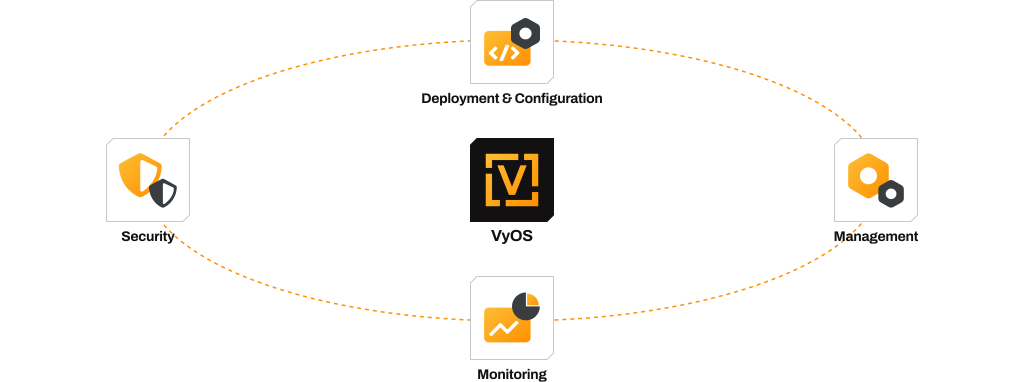
With built-in support for sourcing VyOS functions and aliases, engineers can streamline repetitive tasks, deploy changes consistently, and integrate automation into any workflow.
Whether executing commands locally, running op-mode tasks remotely over SSH, or generating configuration scripts from other languages, VyOS scripting provides unmatched flexibility. Pre- and post-boot scripting options ensure full lifecycle automation, from applying initial preconfigurations at startup to running advanced logic once the system is fully online. This scripting capability empowers enterprises to reduce manual effort, minimize errors, and accelerate deployment of secure, scalable networks.
Automate Network Operations with VyOS Command Scripting
 Download Solution Brief
Key Capabilities
Non-interactive Execution
Run configuration and operational commands directly from shell scripts, eliminating manual intervention and reducing the risk of errors.
Native VyOS Functions & Aliases
Source /opt/vyatta/etc/functions/script-template at the top of your script to leverage VyOS-specific functions for a smooth, consistent experience.
Remote Command Execution
Automate operations across distributed environments by executing op-mode or configuration commands over SSH on remote VyOS systems.
Multi-Language Scripting Support
Generate configuration commands in any programming language and feed them into bash scripts for execution, ensuring flexibility in your automation toolkit.
Lifecycle Automation at Boot
* Pre-config scripts: Runs before the VyOS configuration is applied, perfect for initializing dependencies or preparing the system. * Post-config scripts: Runs after the full configuration is applied, ideal for launching services or finalizing advanced logic.


Want to learn more about VyOS Technical Capabilities?
Download the Technical Datasheet

 Technical Datasheet
Business Benefits
Terraform uses configuration files written in HashiCorp Configuration Language (HCL) to describe the desired infrastructure state.˙

Accelerated Deployments
Quickly roll out consistent configurations across multiple devices.

Reduced Operational Risk
Minimize human error with repeatable, automated workflows.

End-to-End Flexibility
Adapt automation to your preferred scripting language and workflow.

Resilient Operations
Ensure critical tasks run automatically at every system boot.
Helpful Resources
Here are some helpful resources for VyOS with Cloud-init automation

Resources
Here are some resources to help you learn more about VyOS, keep up with the development, and participate in it.


